BesaviorElite
Besavior Elite Controller for PS5

Pro-level
control.

Back buttons, rapid fire and macros — built into a DualSense and set right on the controller.

Buy at the official store
4 paddlesprogrammable back buttons
OLEDsettings on the controller
Turborapid fire & one-press combos
Any padplug in Xbox, PS4 or Switch Pro

Watch it in action.

Besavior Elite Controller video
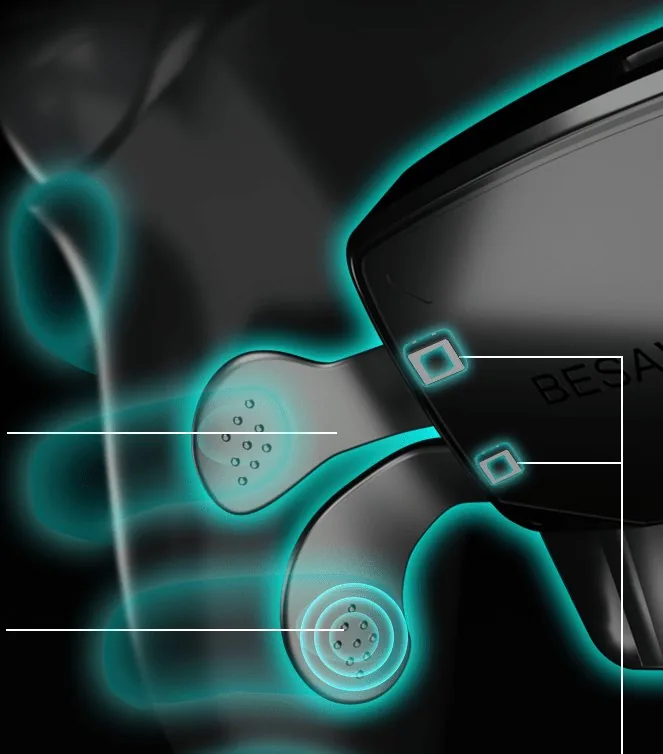
Close-up of the Besavior Elite Controller back paddles
01 · Back paddles

Four paddles.
Zero thumb lag.

Four mechanical back paddles with Omron switches. Put jump, crouch or reload on the back and keep both thumbs on the sticks.
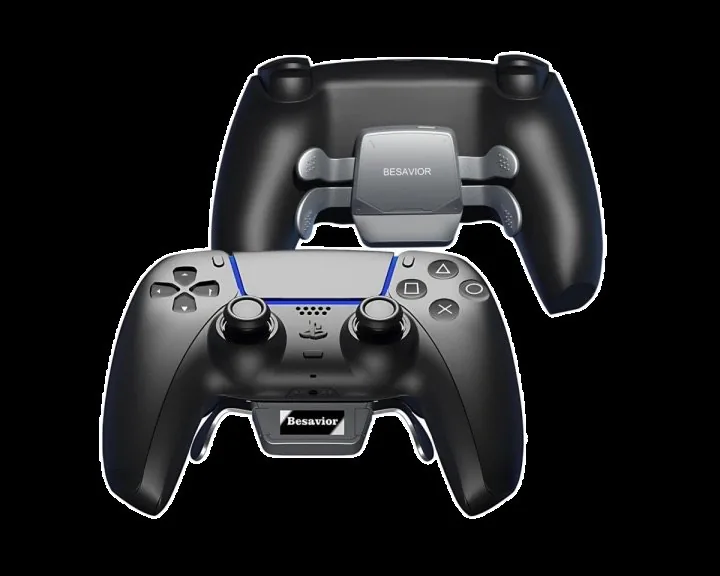
Besavior Elite Controller, front and back
02 · HD OLED screen

Set it on
the screen.

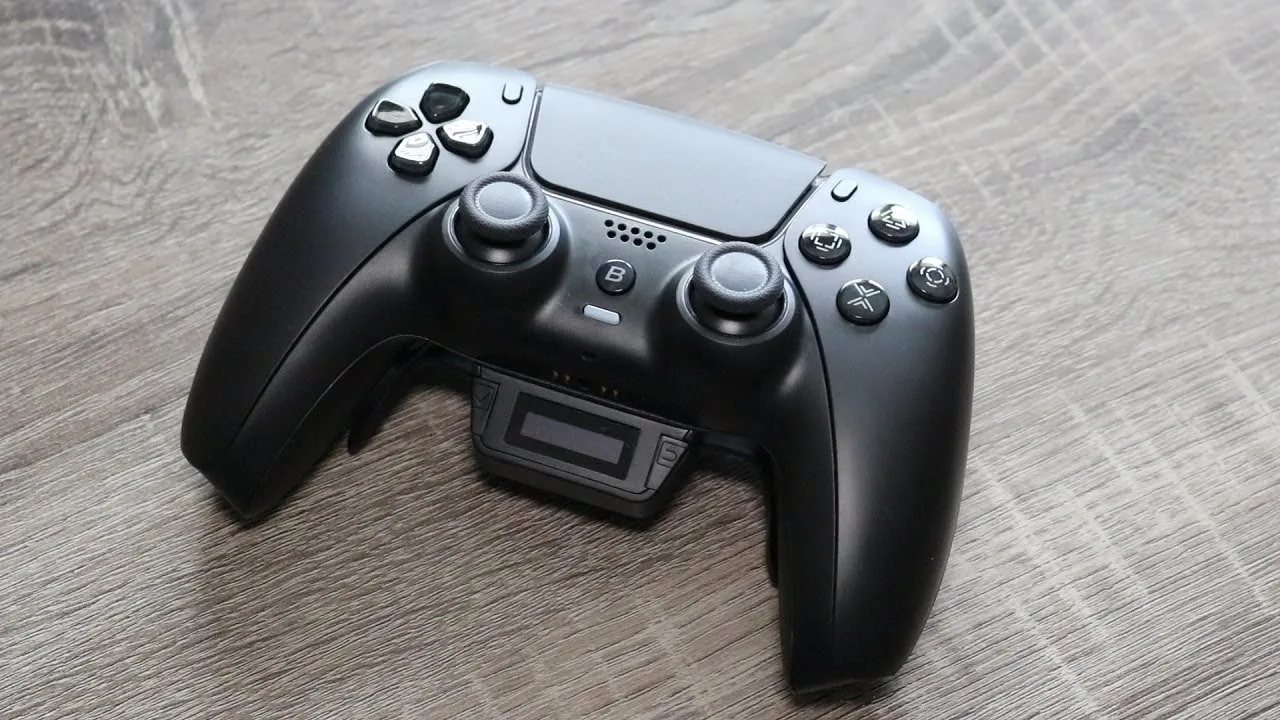
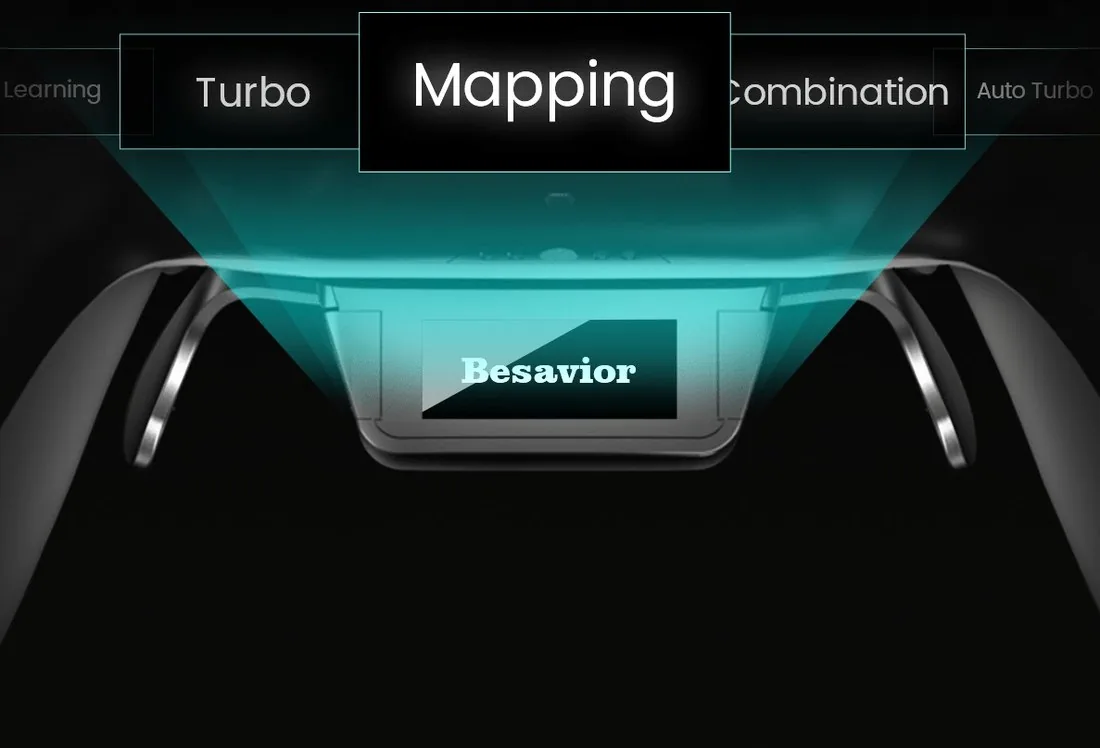
Pick Turbo, Mapping or Combination right on the controller — no app, no PC, no guesswork. Change it mid-session.
TurboMappingCombinationLearning
Besavior OLED screen showing Turbo, Mapping and Combination modes

Every trick,
built in.

Remapping, turbo, combos and macro recording — all on the controller. Swipe through.
7 features · swipe or use the arrows
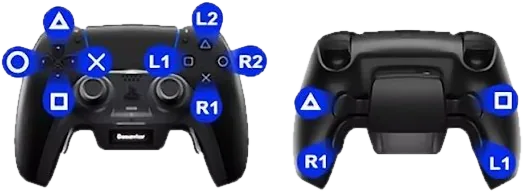
Remap diagram: Xbox-style layout and back paddle mapping
Remap

Your layout, your rules

Swap to an Xbox-style layout, or send any button to the back paddles.
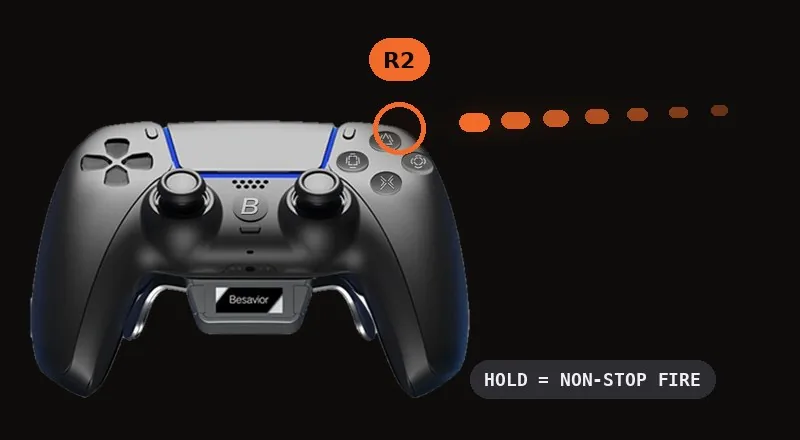
Holding R2 on the Besavior Elite Controller fires on repeat
Turbo

Rapid fire

Hold a button and it fires again and again — no mashing.
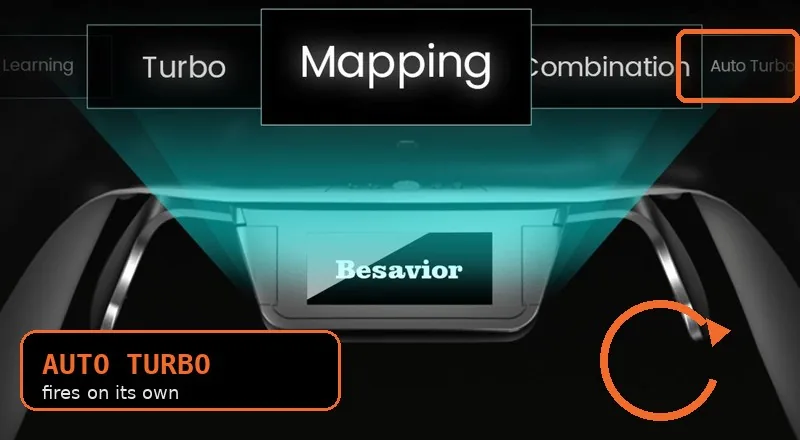
Auto Turbo selected on the Besavior OLED menu
Auto turbo

Hands-free fire

Repeats on its own, so your finger stays free for everything else.
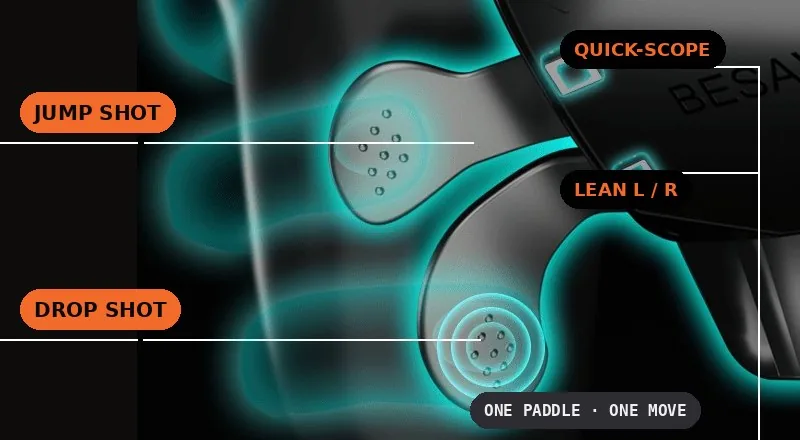
Back paddles mapped to jump shot, drop shot, quick-scope and lean
Key combination

Pro moves, one press

Jump shots, drop shots, prone shots, quick-scopes and lean shots — each on a single button.
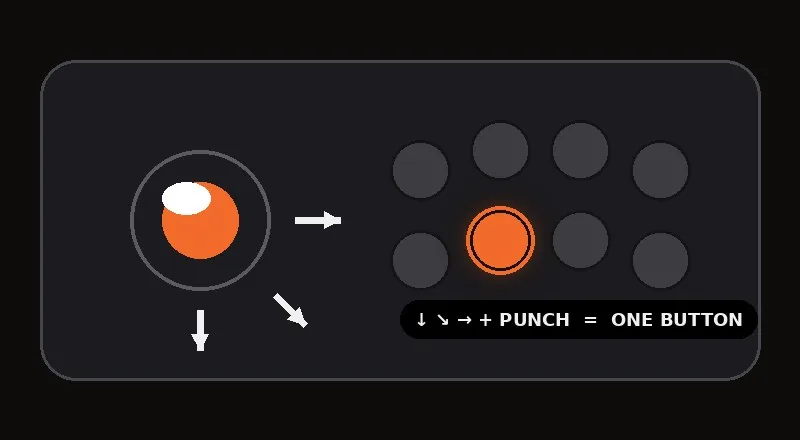
A fighting-game motion input mapped to one button
Fighting games

One-button combos

Set a combo key so one press lands the whole string.
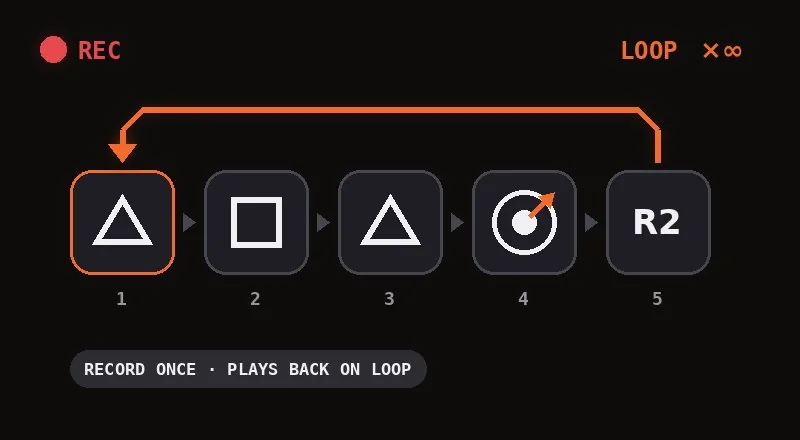
A recorded input sequence looping on the Besavior Elite Controller
Learning mode

Record it. Loop it.

Record a sequence once, then loop it — players use it to farm runes or weapon XP overnight.
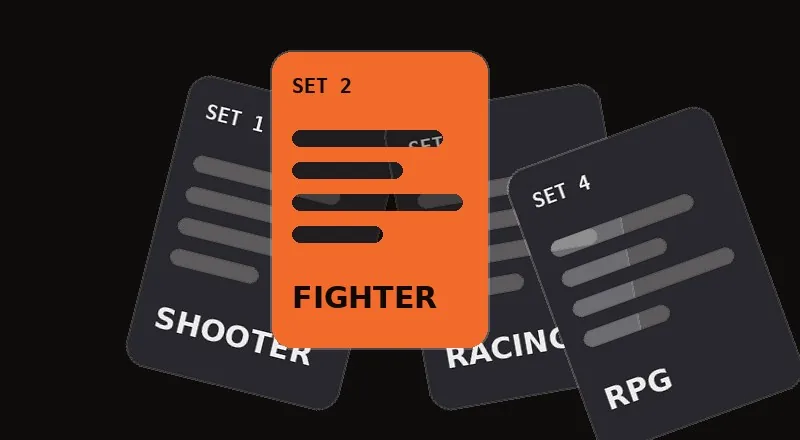
Saved setups for shooter, fighter, racing and RPG games
Multi-sets

Save every setup

Keep a separate button setup for each game and switch in seconds.

03 · Expansion port

Prefer another pad?
Plug it in.

Plug a controller or adapter into the port with the included OTG cable — or pair a Bluetooth pad from up to 10 m away. Either way, it plays through to your PS5.
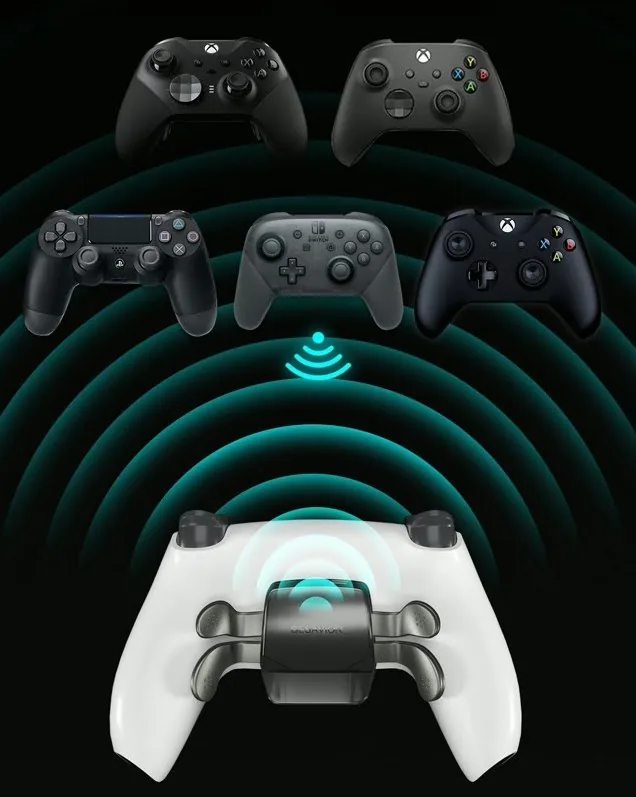
Bluetooth padsXbox One & SeriesDualShock 4Switch ProFight sticks & wheelsCronus ZenXIM Apex
Other controllers connecting to the Besavior Elite Controller

Everything
in the box.

Controller, case, cables and spare caps — ready to play out of the box.
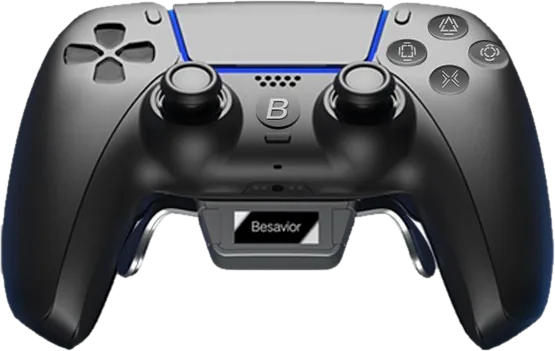
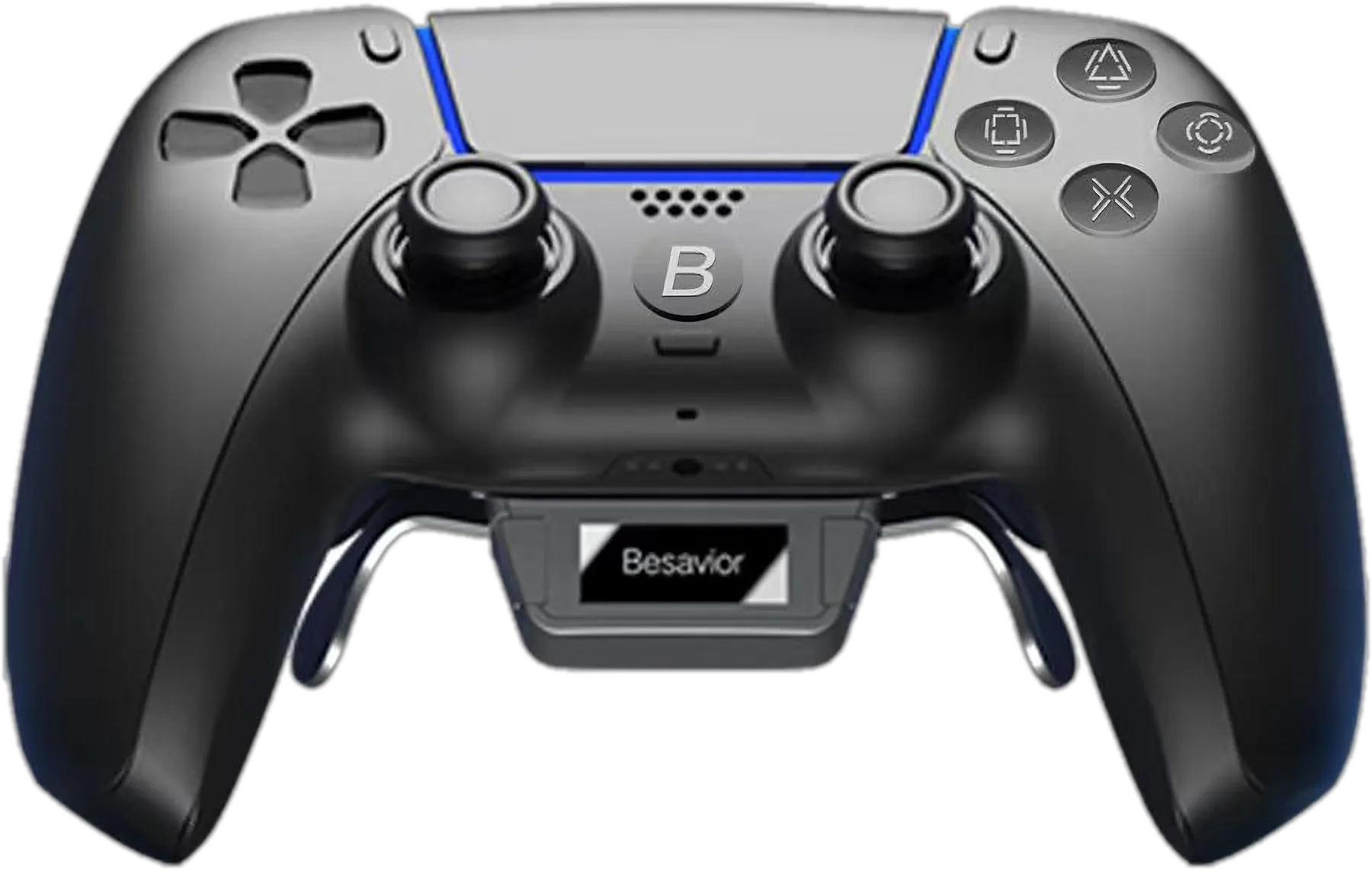
Besavior Elite ControllerBesavior Elite Controller
Besavior Elite Controller carry caseCarry case
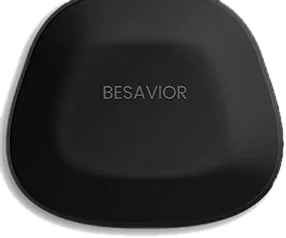
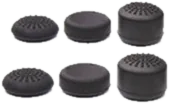
Six Besavior thumbstick caps6 thumbstick caps
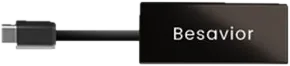
Besavior OTG cableOTG cable for other pads
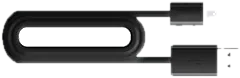
Besavior USB-C cableUSB-C cable

Ready to play,
or build your own.

Besavior Elite Controller for PS5
Most people pick this

Assembled controller

Arrives ready — unbox, pair and play.

Buy the controller
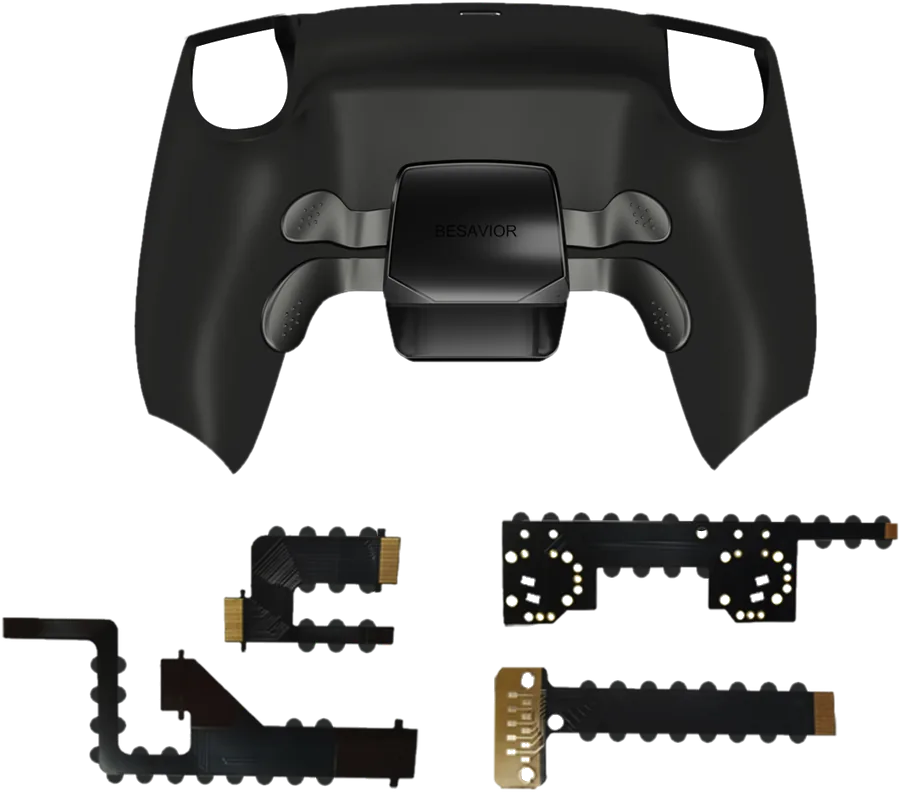
Besavior DIY kit parts for DualSense
For modders

DIY kit

Upgrade your own DualSense (models 010–040). Requires soldering.

See kit price

Good to know.

Using another pad

Most Besavior buttons pause while it's connected — D-pad, Menu, Share, stick clicks, touchpad and motion stay active.

Vibration

Rumble comes from the Besavior itself, not the connected pad.

Not supported

The Xbox Adaptive Controller.

Spare & repair parts

Besavior sells replacement boards, back buttons, flex cables (FT series), the mechanical button board, OTG cable and receiver separately. Match the parts to your board model (BDM-010, 020 or 030). Shop repair parts →
Play like a pro.

Available now at the official Besavior store
Buy the Elite Controller

More from Besavior.

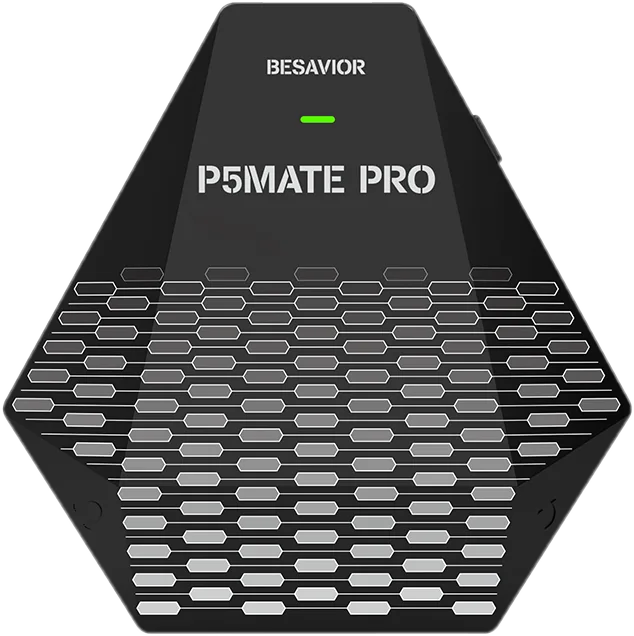
Besavior P5Mate Pro PS5 adapter, front
P5Mate ProXbox, PS4 & Switch Pro pads on PS5 — wired or Bluetooth.Visit p5matepro.com →
Besavior P5General USB activator
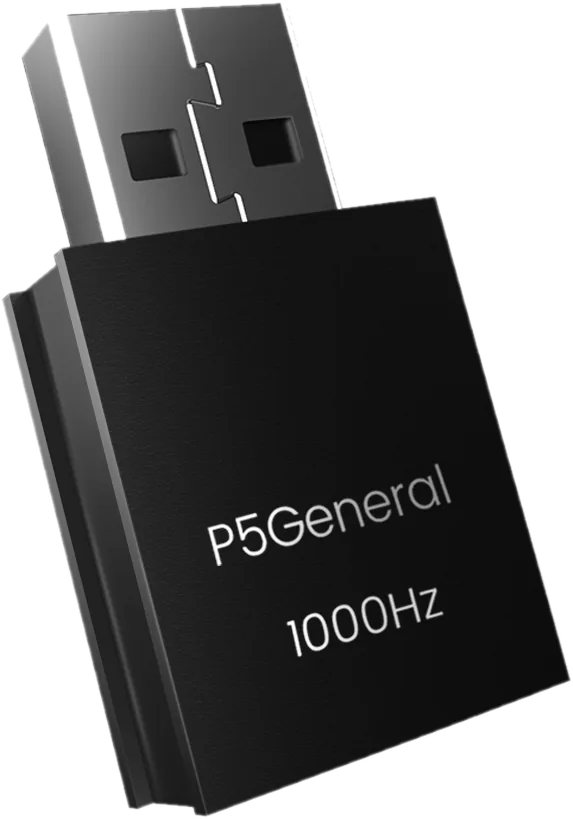
P5GeneralMake your XIM or Titan Two PS5-ready at 1000Hz.Visit p5general.com →
Besavior Edge Stick module for DualSense Edge
Edge StickThe complete stick upgrade for your DualSense Edge.Visit besavioredgestick.com →
BesaviorEliteBuy the Elite
Besavior Elite Controller for PS5

Pro-level
control.

Back buttons, rapid fire and macros — built into a DualSense and set right on the controller.

Besavior Elite Controller for PS5
Buy at the official store
4 paddlesprogrammable back buttons
OLEDsettings on the controller
Turborapid fire & combos
Any padplug in Xbox, PS4, Switch Pro

Watch it in action.

Besavior Elite Controller video
Close-up of the Besavior Elite Controller back paddles01 · Back paddles

Four paddles. Zero thumb lag.

Four mechanical back paddles with Omron switches. Jump, crouch or reload without leaving the sticks.

Besavior OLED screen showing Turbo, Mapping and Combination modes02 · HD OLED screen

Set it on the screen.

Pick Turbo, Mapping or Combination right on the controller — no app, no PC.

TurboMappingCombinationLearning

Every trick, built in.

7 features · swipe for more →
Remap diagram: Xbox-style layout and back paddle mapping
Remap

Your layout, your rules

Xbox-style layout, or any button on the back paddles.

Holding R2 on the Besavior Elite Controller fires on repeat
Turbo

Rapid fire

Hold a button and it fires again and again.

Auto Turbo selected on the Besavior OLED menu
Auto turbo

Hands-free fire

Repeats on its own — your finger stays free.

Back paddles mapped to jump shot, drop shot, quick-scope and lean
Key combination

Pro moves, one press

Jump, drop, prone and quick-scope shots on one button.

A fighting-game motion input mapped to one button
Fighting games

One-button combos

One press lands the whole combo string.

A recorded input sequence looping on the Besavior Elite Controller
Learning mode

Record it. Loop it.

Record a sequence once, then loop it.

Saved setups for shooter, fighter, racing and RPG games
Multi-sets

Save every setup

A separate button setup for each game.

Other controllers connecting to the Besavior Elite Controller03 · Expansion port

Prefer another pad? Plug it in.

Use the OTG cable, or pair a Bluetooth pad from up to 10 m away.

Bluetooth padsXboxDualShock 4Switch ProCronus ZenXIM Apex

Everything in the box.

Besavior Elite ControllerElite Controller
Besavior Elite Controller carry caseCarry case
Six Besavior thumbstick caps6 thumbstick caps
Besavior OTG cableOTG cable
Besavior USB-C cableUSB-C cable

Ready to play, or build your own.

Assembled controller

Arrives ready — unbox, pair and play.

Buy the controller
DIY kit

Upgrade your own DualSense (models 010–040). Requires soldering.

See the kit

Good to know.

Using another pad

Most Besavior buttons pause while it's connected — D-pad, Menu, Share, stick clicks, touchpad and motion stay active.

Vibration

Rumble comes from the Besavior itself, not the connected pad.

Not supported

The Xbox Adaptive Controller.

Spare & repair parts

Replacement boards, back buttons, FT flex cables, the button board, OTG cable and receiver are sold separately — match them to your board model (BDM-010, 020 or 030). Shop repair parts →
Play like a pro.

Available now at the official Besavior storeBuy the Elite Controller

More from Besavior.

Besavior P5Mate Pro PS5 adapter, front
P5Mate ProXbox, PS4 & Switch Pro pads on PS5 — wired or Bluetooth.Visit p5matepro.com →
Besavior P5General USB activator
P5GeneralMake your XIM or Titan Two PS5-ready at 1000Hz.Visit p5general.com →
Besavior Edge Stick module for DualSense Edge
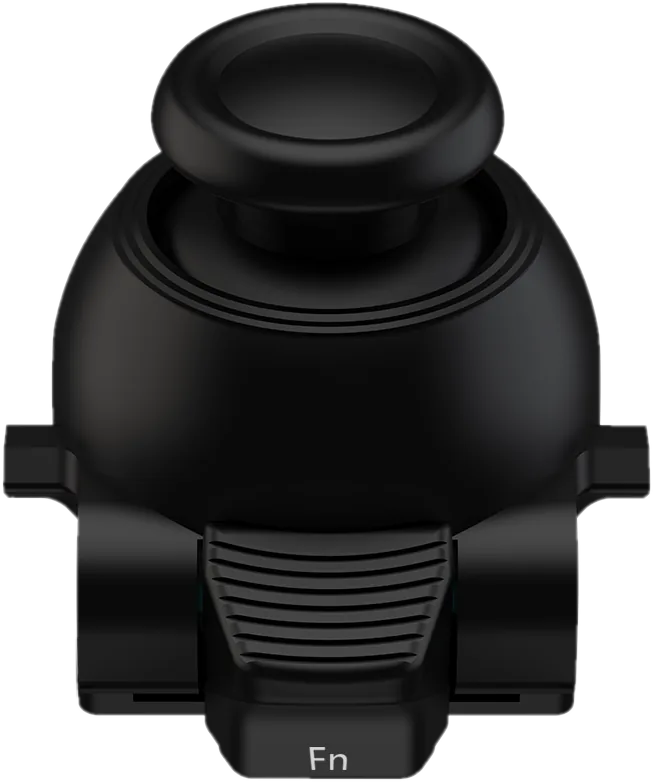
Edge StickThe complete stick upgrade for your DualSense Edge.Visit besavioredgestick.com →